UTM Builder with live preview
Your GA4 campaign data is only as clean as your UTM links. Build them right the first time — live validation, instant preview, no spreadsheet.
The link is tagged. The question is what it converts.
Duct reads your ads, analytics and revenue tools, answers that question, and proposes the change. You approve it.
GA4 Compliance Note
UTM parameters tell GA4 where traffic came from. They don't tell you if it was worth it.
Duct crosses GA4 with your ad spend, conversions and email, so each tagged campaign is judged by what it earned, not by what it brought in.
How Duct works →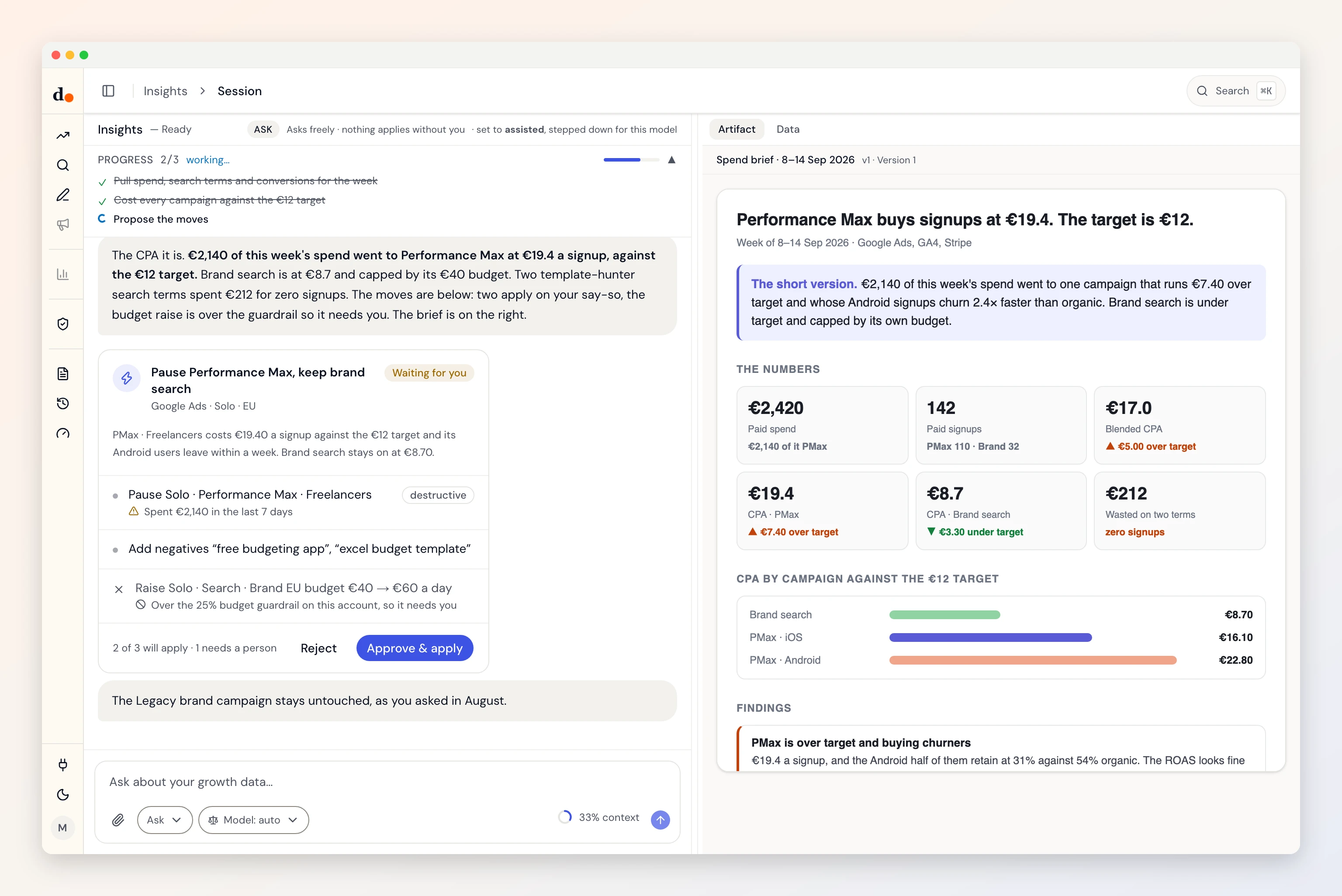
About this tool
This builder constructs standard UTM query parameters and shows a live URL preview so you can catch formatting issues before you paste links into ads, email, or social. Validation nudges you toward GA4-friendly values—lowercase sources and mediums, avoiding reserved tokens, and watching for spaces or mixed case that split your reports.
How UTMs show up in GA4
GA4 reads utm_source, utm_medium, utm_campaign, and optional utm_term / utm_content from the landing-page URL when the session starts. Those values flow into session and traffic-acquisition dimensions. If a redirect strips the query string before the GA tag loads, or if users land on a page where tags fire late, you may see (not set)—the link builder can't fix tracking installation, only the link itself.
Campaign reports are only as clean as your naming convention. This tool encourages consistency (for example lowercase and hyphens) so you don't accidentally create duplicate rows for Google vs google.
Limitations
- Links must reach the tagged landing page with parameters intact—shorteners, redirect chains, or app deep links can drop UTMs.
- GA4 channel grouping rules depend on medium/source combinations; unusual values may land in Unassigned even when the link is valid.
- This page runs entirely in your browser—we don't store your URLs or form fields on our servers.